Hunter Vault turns budgeting into an RPG loop: clear daily quests, earn XP and rank up from E to S, while you finally see what battle passes, top-ups and Steam sales cost you each month.
Hunter Vault is our own app: a gamer budget app for iOS and Android, built on manual budgeting and the progression loop you already know. You log spending and income, set budgets, and track bills, debts and savings goals. Logging spending and income, finishing quests, hitting savings milestones and keeping streaks earn XP toward your hunter rank.
It isn't a gaming-only tracker. It runs your whole budget, and games are one part of it, so the money you spend on games sits next to your rent and food, where you can see it.

A battle pass here, a top-up there, a sale bundle you'll play someday, a subscription you forgot you still pay for. Each one is small, so none of them feels like a purchase worth writing down. And when the spending is split across Steam, PlayStation, Xbox, Nintendo and the app stores, no single store shows you the total.
It adds up across the whole market, too. US consumers spent $60.8 billion on video games in 2025, according to final figures from the Entertainment Software Association, Circana and Sensor Tower (restated in March 2026), and spending on subscription services grew 20% that year, per their February report. Want your own number first? The gaming spending calculator shows your monthly and yearly pace.

Every system in Hunter Vault maps to something you've already played. Here's the translation.
| In games | In Hunter Vault |
|---|---|
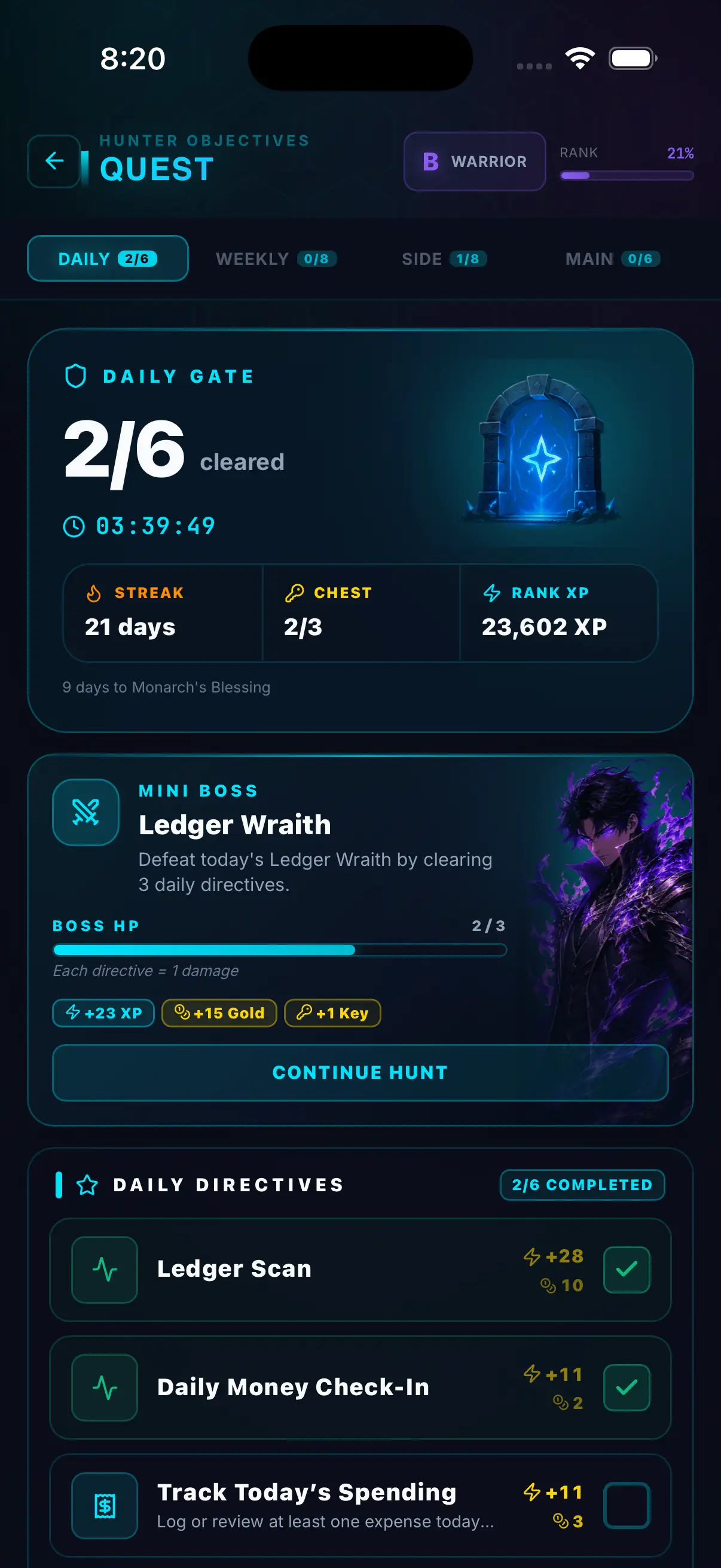
| Daily quests and login rewards | System-set daily and weekly quests, like logging today's spending or a daily money check-in. Each one pays out XP. |
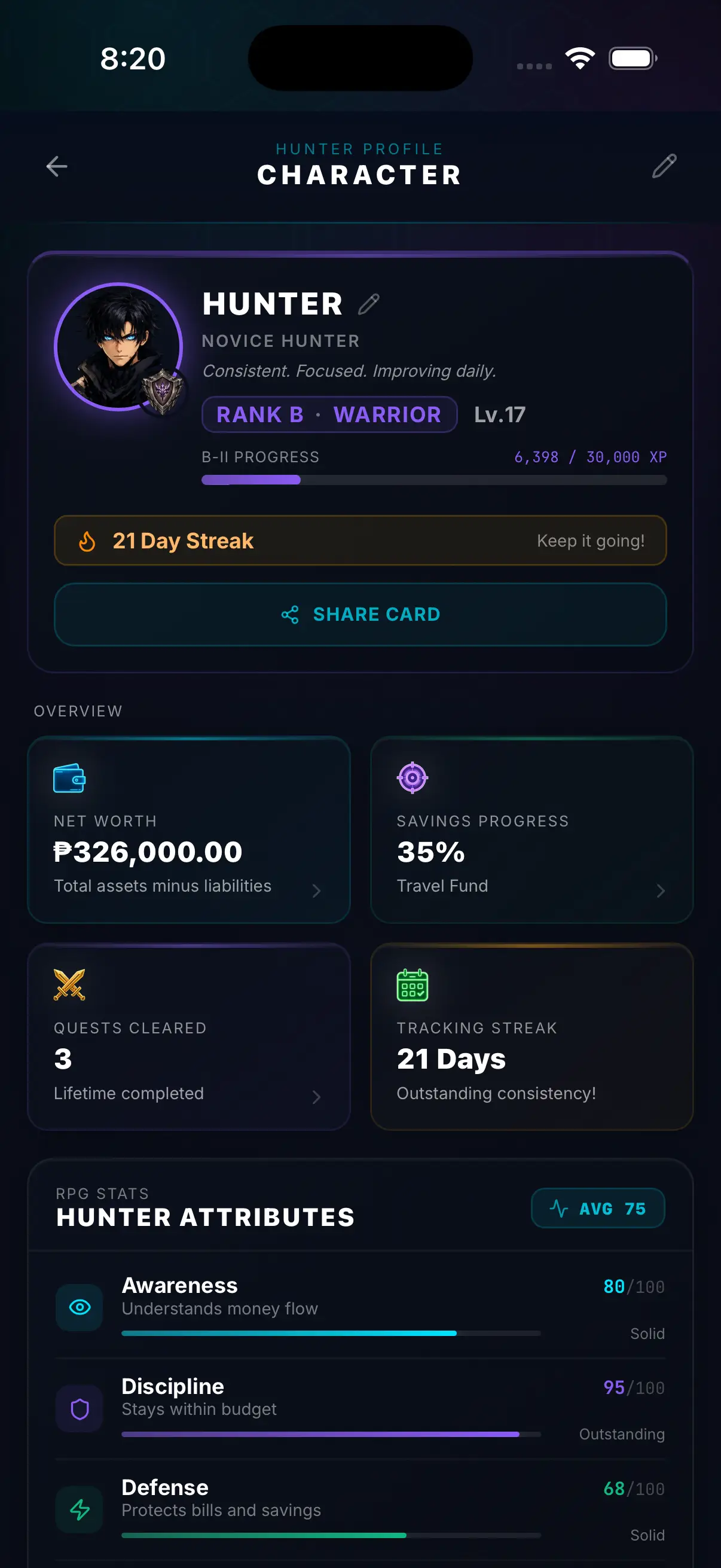
| XP and levels | XP for logging expenses and income, finishing quests, hitting savings milestones and keeping streaks. It fills your level bar. |
| Ranked ladder | Hunter ranks from E to S, earned through consistent money habits, not hours spent in the app. |
| Daily boss | A daily mini boss you beat by clearing your daily money tasks. |
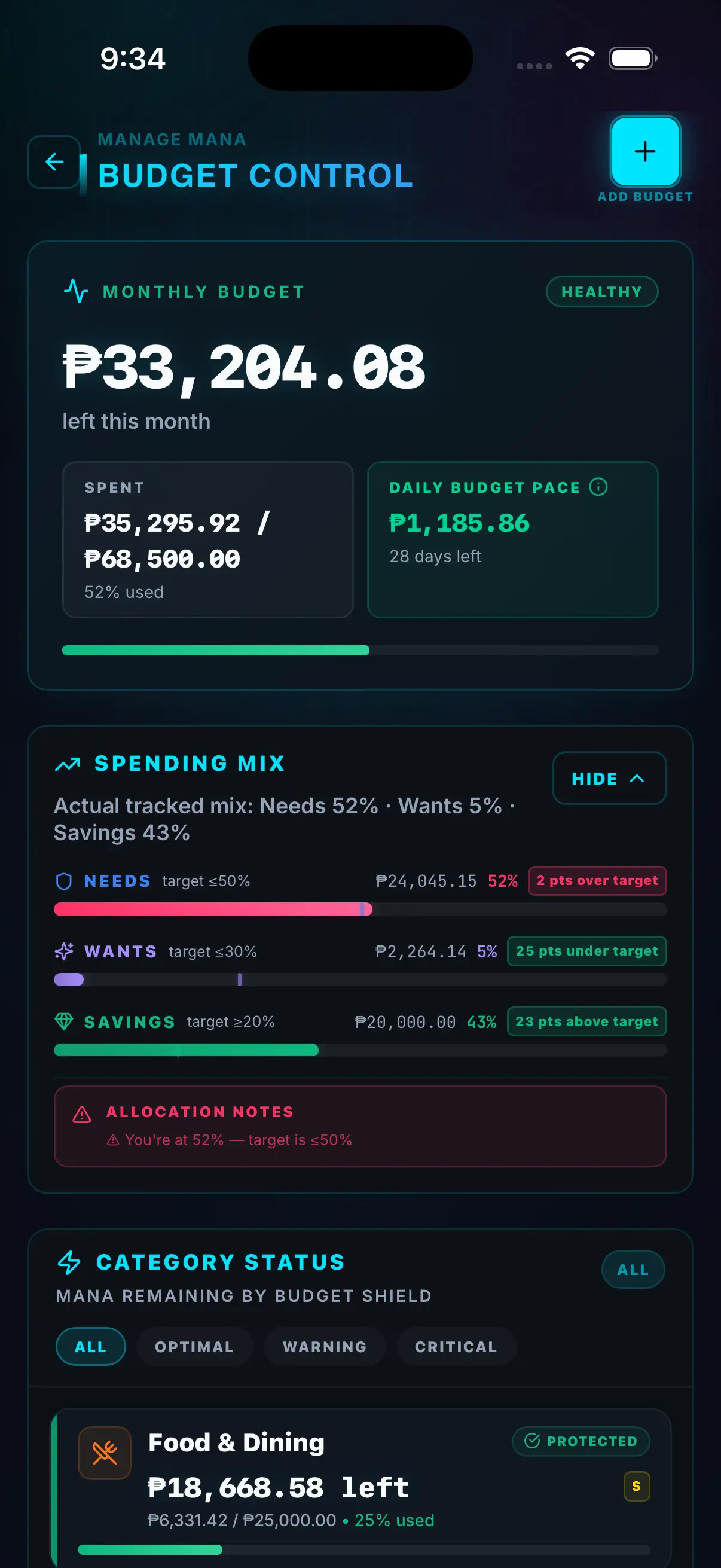
| Mana bar | Budget Control: each budget shows what’s left this month and switches to near-limit at 90% spent. |
| Raid boss | Debt payoff with a snowball or avalanche strategy, progress bars and a projected debt-free date. |
| Saving up for a big drop | Savings goals with a target and a deadline, for the GPU, console or event ticket you’re planning. |
| Inventory slots | Money vaults: records that name money by purpose (fun, bills, savings) so you can see what’s actually free to spend. |
| Weekly leaderboard | The opt-in Weekly Hunter Board, ranked on habit points from quests and logging, never on amounts. |
| Login streak | Check-in streaks, plus optional no-spend days when you skip non-essential spending. |
You don't need a spreadsheet or a perfect month of data. Start here, then let the quests keep you logging.
Create a Games budget in Budget Control and set a monthly limit. Pick the number on a calm day, not when a sale starts. Not sure what’s reasonable? Here’s how to pick a monthly games budget.
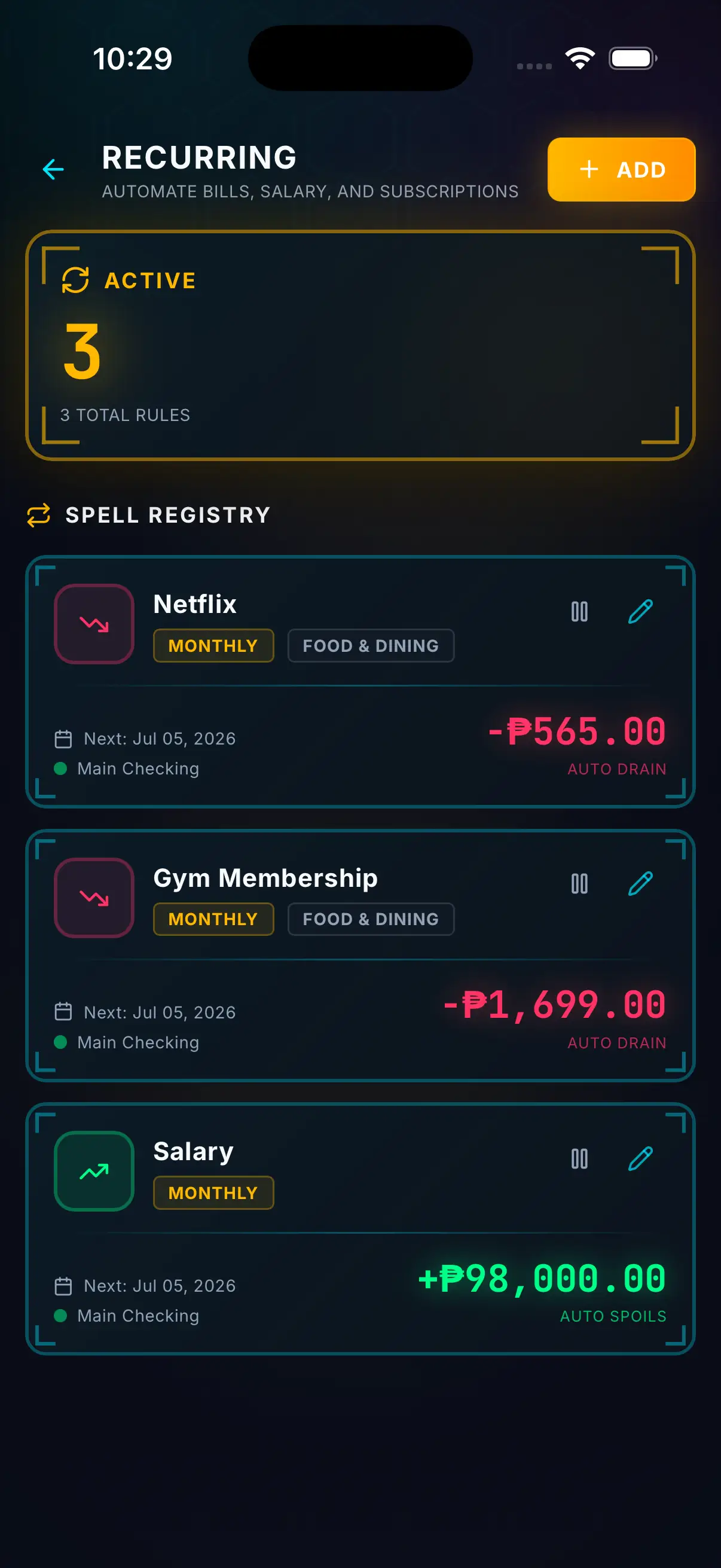
Log each battle pass, top-up or new game in real money, and file it under a subcategory for the game, like Genshin, Valorant or Elden Ring. You can add one right from the expense screen. Logging earns XP. If you pay for Game Pass, PlayStation Plus or Nintendo Switch Online, add them as recurring entries so they log themselves each month (the free tier includes 3).
Safe-to-Spend takes your balance and subtracts what’s already promised to bills, savings, debt and a buffer, then shows what’s actually free. If the sale fits under that number, enjoy it.
Reports split spending by category and subcategory, so you can see which game took the most and compare the total with the limit you set.
Comparing options first? See our roundup of gamified budgeting apps and Hunter Vault vs Fortune City.
Subcategories show what each game cost, but the monthly limit and the in-app near-limit status apply to your Games budget as a whole. Budgets don't send push notifications.
You log purchases yourself, or import a CSV you export from your bank for free.
It shows you the number and the choice stays yours. For a hard stop, use your platform's purchase controls.
It's a full budget app (bills, debt, savings) with a progression loop. Games are one budget among the rest.
No. It's a full manual budgeting app: expenses, income, budgets, bills, debts and savings goals. The gaming part is how it feels, with quests, XP, streaks and ranks. Games are one budget among the rest of your spending.
Yes. Make a Games budget, then add a subcategory for each game you spend on, like Genshin or Valorant, as you log. Your budget and reports show the breakdown. The limit and the near-limit status (shown in the app at 90% spent) apply to the Games budget as a whole, not to each game.
No. Hunter Vault doesn't connect to any store or bank. You log purchases yourself, or import a CSV you export from your bank, which is free. Smart Import can also read statement screenshots and PDFs; that uses Hunter Credits from the optional Hunter Pass subscription.
Core budgeting is free and has no ads. The free tier covers up to 8 budgets, 3 recurring entries, 5 accounts, 3 debts and 2 savings goals. Hunter Elite is a one-time $15.99 upgrade that removes those limits. Budgeting never requires a subscription; the optional subscriptions are Hunter Pass (for the Huntee AI assistant and Smart Import from screenshots and PDFs) and cloud sync.
There's no universal number. Fund bills, savings and debt payments first, then give games a fixed monthly amount from what's left. Our guide on monthly game budgets walks through it, and the gaming spending calculator shows what your current pace adds up to over a year.
No. Hunter Vault is an independent app. It's RPG-inspired and anime-inspired in style and feel only, and it has no official affiliation, partnership or endorsement with any anime, game, studio or publisher.
Download Hunter Vault free on iOS and Android. No account needed to start, no bank login, and logging earns XP toward your next rank.