// spending reports

Spending reports that

actually make sense

Logging your money is step one. Seeing the pattern is where it clicks. Hunter Vault turns your entries into clear charts and breakdowns, so the numbers stop being a mystery.

  • Free to start
  • No account needed
  • Works offline
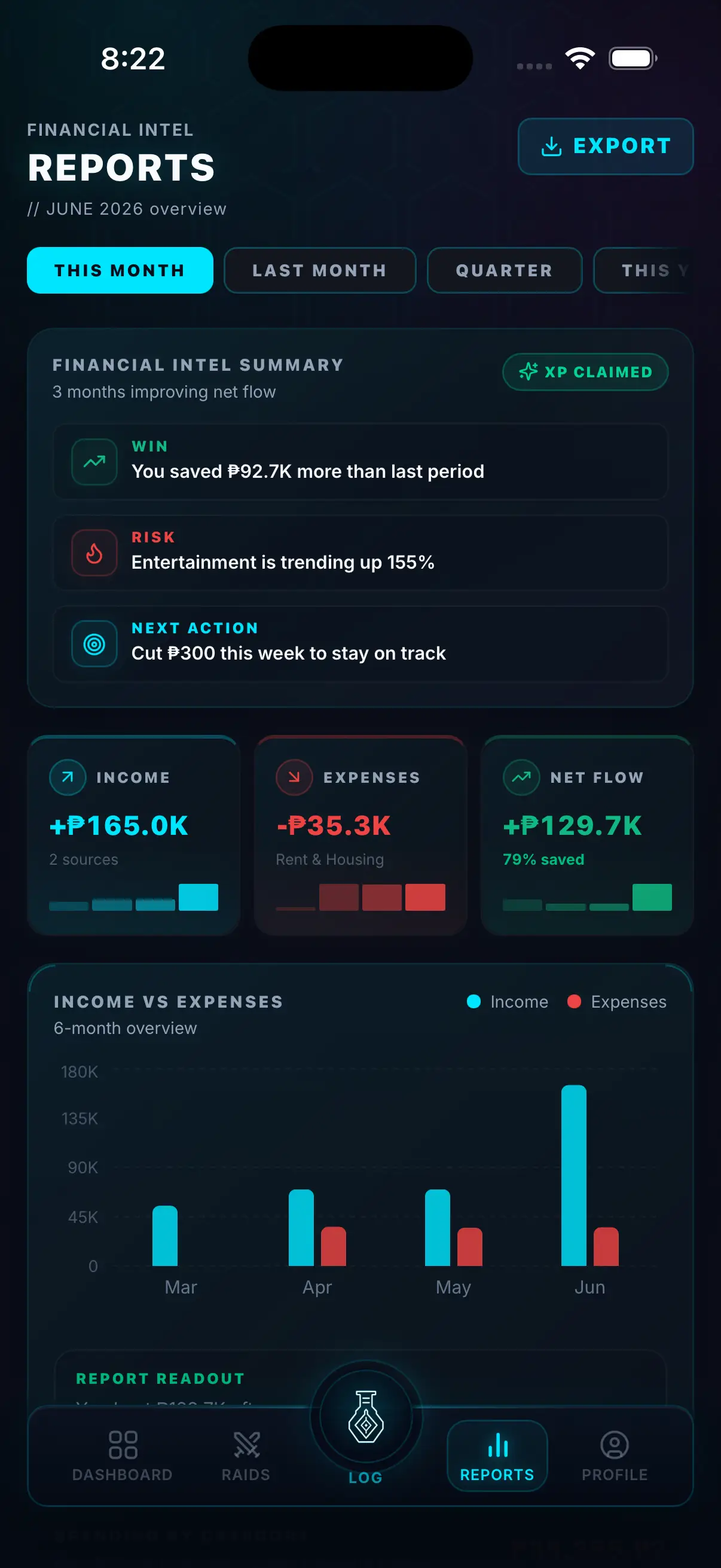
Hunter Vault spending report showing a category distribution chart and a month-over-month trend
// core features

From a list of entries to a picture you can read

Your logged data, turned into something you can actually use.

Spending charts

See your money by category at a glance — not as a wall of rows. A visual breakdown of where it all went, in one view.

  • Category-by-category distribution
  • Proportional view of your spending mix
  • See the big picture instantly
Visual charts

Spending distribution

Find the categories quietly eating your budget. When you can see which bucket takes the biggest share, the pattern is obvious — and so is what to adjust in your category limits.

  • See each category's share of total spending
  • Spot the quiet budget drains
  • Distribution view across any period
Distribution

Trends over time

Compare weeks and months to spot what's drifting. When food spend creeps up month-over-month, a trend chart catches it before it becomes a problem.

  • Week-over-week and month-over-month
  • Spot rising categories before they blow out
  • See the direction, not just the number
Trends

Clear breakdowns

Turn raw logs into a picture you can actually read. Total per category, average per period, top spends — all surfaced without you having to calculate anything.

  • Totals per category, per period
  • Top spending categories highlighted
  • No manual calculation required
Breakdowns

CSV export

Take your data with you. Export to CSV for a spreadsheet, an accountant, or your own backup. Your data is yours — and you can move it whenever you want.

  • Export all logged data to CSV
  • Works with Excel, Google Sheets, and more
  • Your data, your control
CSV export

// the real problem

You can track every expense and still feel lost.

A long list of transactions doesn't tell you anything on its own. The insight isn't in the logging — it's in seeing the shape of where your money goes. One chart of your spending by category will tell you more than scrolling through 300 rows of entries ever could.

  • Rows of entries, no pattern visible
  • One chart shows you what rows hide
  • Patterns you can act on immediately
  • Your history, made readable
Hunter Vault spending breakdown chart showing category totals for the current month
// what it is

Spending reports and insights built from your own data

Hunter Vault's reports turn the expenses you log into visual insights: charts of your spending by category, trends over time, and a clear breakdown of where the money went — with the option to export it all to CSV.

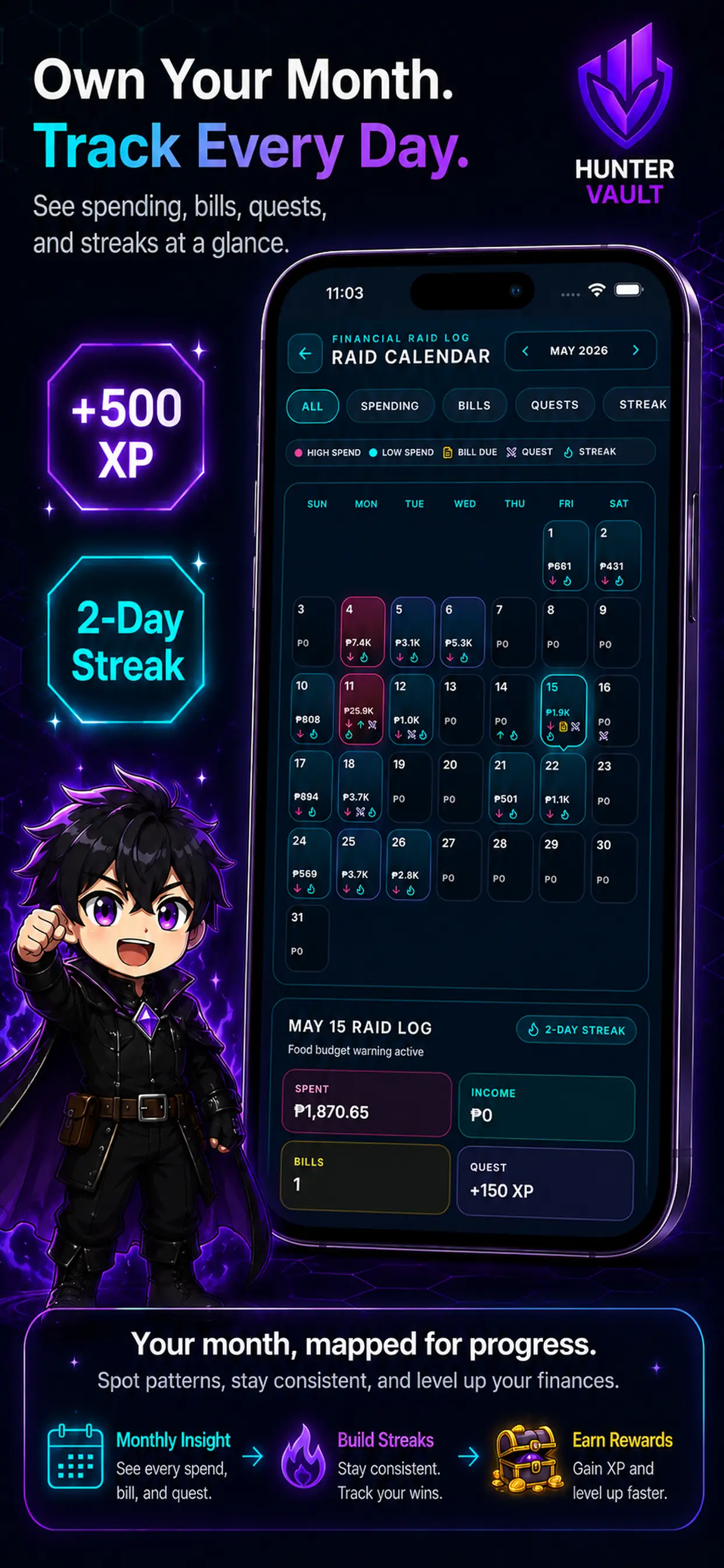
Hunter Vault trend view comparing weekly spending across multiple months
// the weekly habit

A weekly review is its own small quest.

Opening your report once a week is a habit worth building. Ten minutes, one chart, one decision for next week. Hunter Vault treats the weekly review as a completion-worthy action — it earns XP and keeps your financial awareness sharp. See the full gamification system →

  • Weekly review = a completable quest
  • Ten minutes, one decision
  • Awareness earns XP
  • Patterns surface week by week
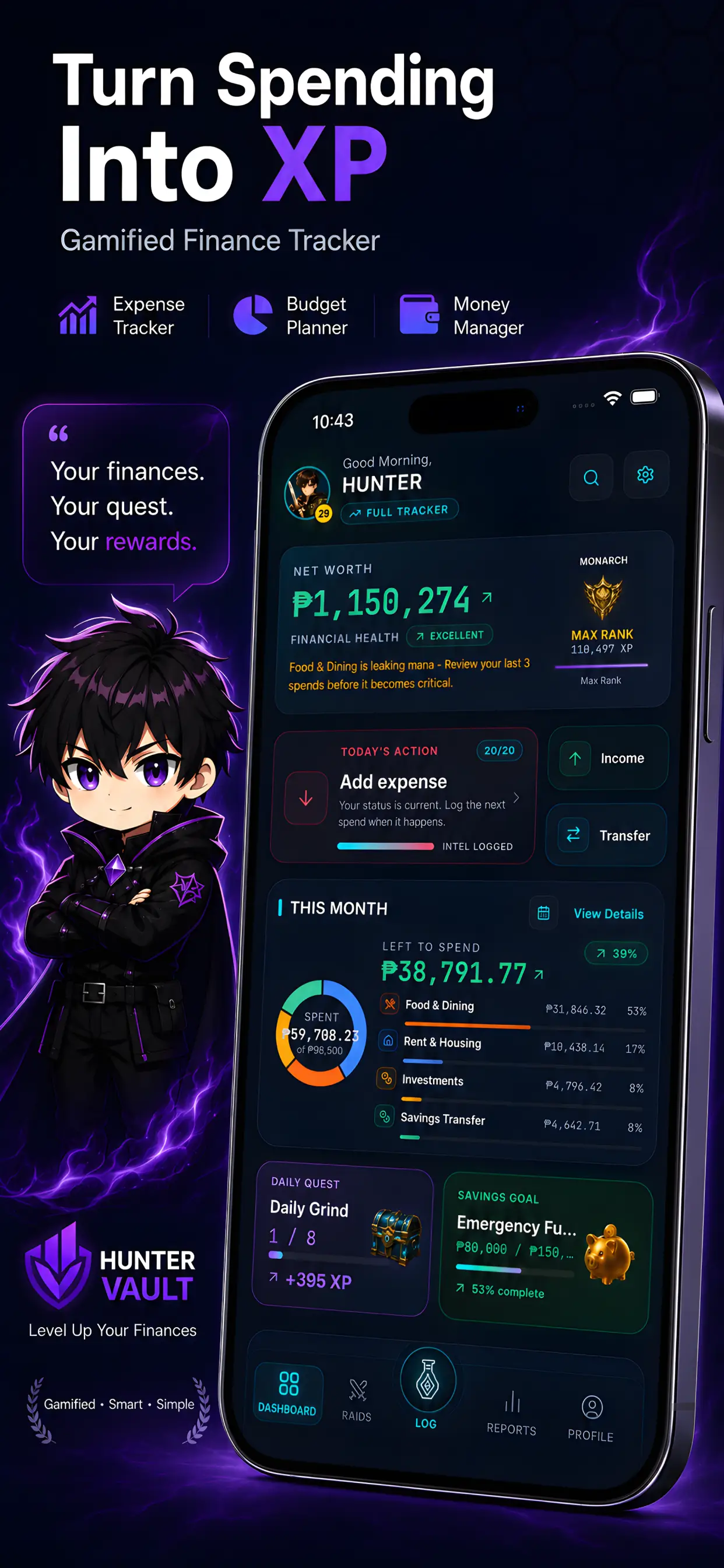
Hunter Vault spending report showing a category distribution chart and a month-over-month trend
// why it works

Visibility comes before control

You can't change a spending pattern you can't see. A chart makes a pattern obvious in a way a transaction list never will — and it does it in seconds. Reports built from your logged data reflect what actually happened, not a bank feed's interpretation of it. That means they're yours, accurate to your records, and available completely offline.

  • Visibility before control — always
  • A chart beats 300 rows of transactions
  • Built from your data, on your device
  • Available offline, always
Hunter Vault spending breakdown chart showing category totals for the current month

No account, no bank connection — your CSV export goes only where you send it. Learn more about privacy →

// private by default

Your reports are built on-device from your own data.

Never linked to a bank

Reports built offline, on-device

CSV export stays where you send it

Your data, your control

// questions

Frequently asked questions

Hunter Vault reports show your spending by category, a breakdown of where your money went, and trends over time — weekly and monthly comparisons that make patterns visible. You can also export everything to CSV.

Reports are built from the expenses and income you log. They reflect what you've entered — not a bank-fed feed. The more consistently you log, the more accurate the picture.

Yes. You can export your data to CSV and take it wherever you need it — a spreadsheet, an accountant, or your own backup. Your data is yours.

No. Your reports are built from your own entries and stay completely private. No bank connection, no account required, nothing leaves your device.

No. Reports show your actual logged history clearly — charts and breakdowns of what you've spent. They don't forecast the future or tell you what to do. The insight is yours to act on.

Yes. Spending charts, category breakdowns, trend views, and CSV export are all free — your reports are never paywalled.

// your next move

Log a week of spending. Then open your report and see the pattern.

Download Hunter Vault free on iOS and Android — no account, no bank connection, no spreadsheet required.

  • Free to start
  • No account needed
  • Works offline
See all features →
Hunter Vault trend view comparing weekly spending across multiple months