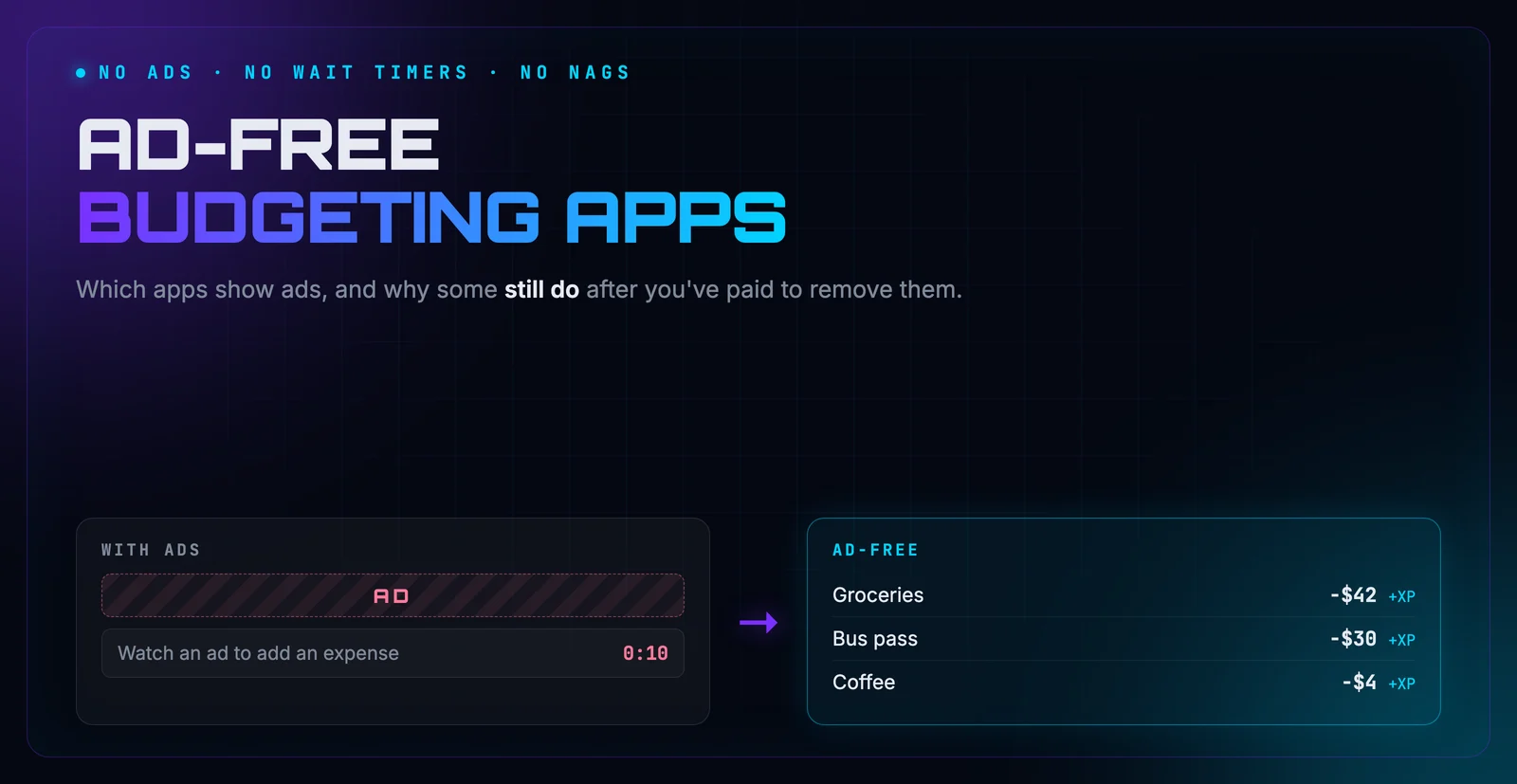
An ad inside a budgeting app is a strange thing. The app is there to help you spend less, and the ad is there to get you to spend more. Most people put up with it on a free app. Where it gets frustrating is when you pay to make the ads go away and they come back anyway.
That’s a surprisingly common complaint. This post covers which budgeting apps show ads, why ads sometimes return after you’ve paid, and how to fix that.
Quick disclosure: I build Hunter Vault, which is one of the ad-free options here. I’ll stick to what I can verify about the other apps, and I’ll tell you how Hunter Vault pays its bills instead.
- Paid apps (YNAB, Monarch, Copilot) don't show ads; most free manual trackers do
- Ads that return after paying are almost always a restore problem: purchases belong to your store account, not your phone
- Fix it with Restore Purchases on the same Apple ID or Google account, then contact support with your order ID
- No funding model is free of tradeoffs. Ads cost attention, subscriptions cost money, and upsells cost sales pressure
Quick answer
If you want no ads at all, your options are a paid app (YNAB, Monarch Money, Copilot), a free app funded some other way (Hunter Vault, or Empower if you’re in the US), or a spreadsheet. Most popular free manual trackers, including Money Manager, Monefy, Money Lover, and Fortune City, show ads on their free tiers. Splitwise does too, and it’s added ads to some basic actions.
| App | Ads on the free version? | How it makes money |
|---|---|---|
| YNAB | No (no free version) | Subscription |
| Monarch Money | No (no free version) | Subscription |
| Copilot | No (no free version) | Subscription |
| Empower | No banner ads | Wealth-management services |
| Hunter Vault | No | One-time Elite, plus optional AI and cloud subscriptions |
| A spreadsheet | No | Nothing to fund |
| Money Manager (Realbyte) | Yes | Ads, plus a paid version |
| Monefy | Yes | Ads, plus Pro |
| Money Lover | Yes | Ads, plus Premium |
| Fortune City | Yes | Ads, plus a premium subscription |
| Splitwise | Yes | Ads, plus Pro |
Why ads keep showing up after you paid
This is the part that frustrates people most, so it’s worth explaining properly.
Money Manager by Realbyte is a well-liked app. It holds a 4.6-star rating across more than 460,000 Google Play reviews. But when I pulled its 140 most recent reviews on October 2, 2026, ads were one of the recurring complaints among the low ratings:
“Still getting ads months after purchasing app”
“I bought the remove ads feature, but why do ads appear when I use the same account on a different phone? Should I buy it again?”
That second review gets at the usual cause. When you buy a “remove ads” upgrade, the purchase is recorded against your Apple ID or Google account, not against the phone or the app. A new phone, a reinstall, or a different store account means the app has no idea you already paid until you tell it.
There’s a second trap with switching platforms. A purchase made through Google Play can’t be read by the App Store, and vice versa. Unless the app has its own login that ties your purchase to your account, buying on Android and moving to an iPhone means starting over.
Open the app’s settings and look for Restore Purchases, while signed into the same Apple ID or Google account you bought it with. If it isn’t there, or doesn’t work, find the order in your App Store or Google Play purchase history and send the order ID to the developer’s support. Don’t pay a second time until you’ve tried both.
If restoring works, great. If an app keeps losing your purchase anyway, that tells you something about how much it values existing buyers. I compare Money Manager in more detail in Hunter Vault vs Money Manager.
Ads you have to sit through
Some apps go further than a banner at the bottom of the screen.
Splitwise is the clearest recent example. It’s a bill-splitting app rather than a budget, but plenty of people use it to keep track of shared spending. In its 140 most recent Google Play reviews, 100 were one or two stars, and the complaints about ads and paywalls were specific:
“Forcing to watch an ad in order to add an expense? Nah”
“Constant nags for the paid plan I don’t want or need. Forced 10 second waits to add expenses.”
An ad that blocks you from logging an expense works directly against building the habit. If you’re trying to get used to recording what you spend, anything that makes recording slower is a reason to stop. If you mainly want to track your own money rather than split bills, Hunter Vault vs Splitwise covers the difference.
Every app pays its bills somehow
It’s tempting to think of “ad-free” as the good option and “ads” as the bad one. It’s more useful to look at what each model asks of you.
- Ads cost you attention, and usually some data about how you use the app. Money Manager, Monefy, Money Lover, Fortune City, and Splitwise all use them on free tiers. Hunter Vault vs Monefy and Hunter Vault vs Money Lover go into those two.
- Subscriptions cost you money every month, but nothing else. YNAB, Monarch Money, and Copilot work this way.
- Selling you something else keeps the app free while the company profits elsewhere. Empower is free because it offers paid wealth management.
- A free tier funded by paid upgrades depends on enough people paying for extras. This is how Hunter Vault works, which I’ll get to below.
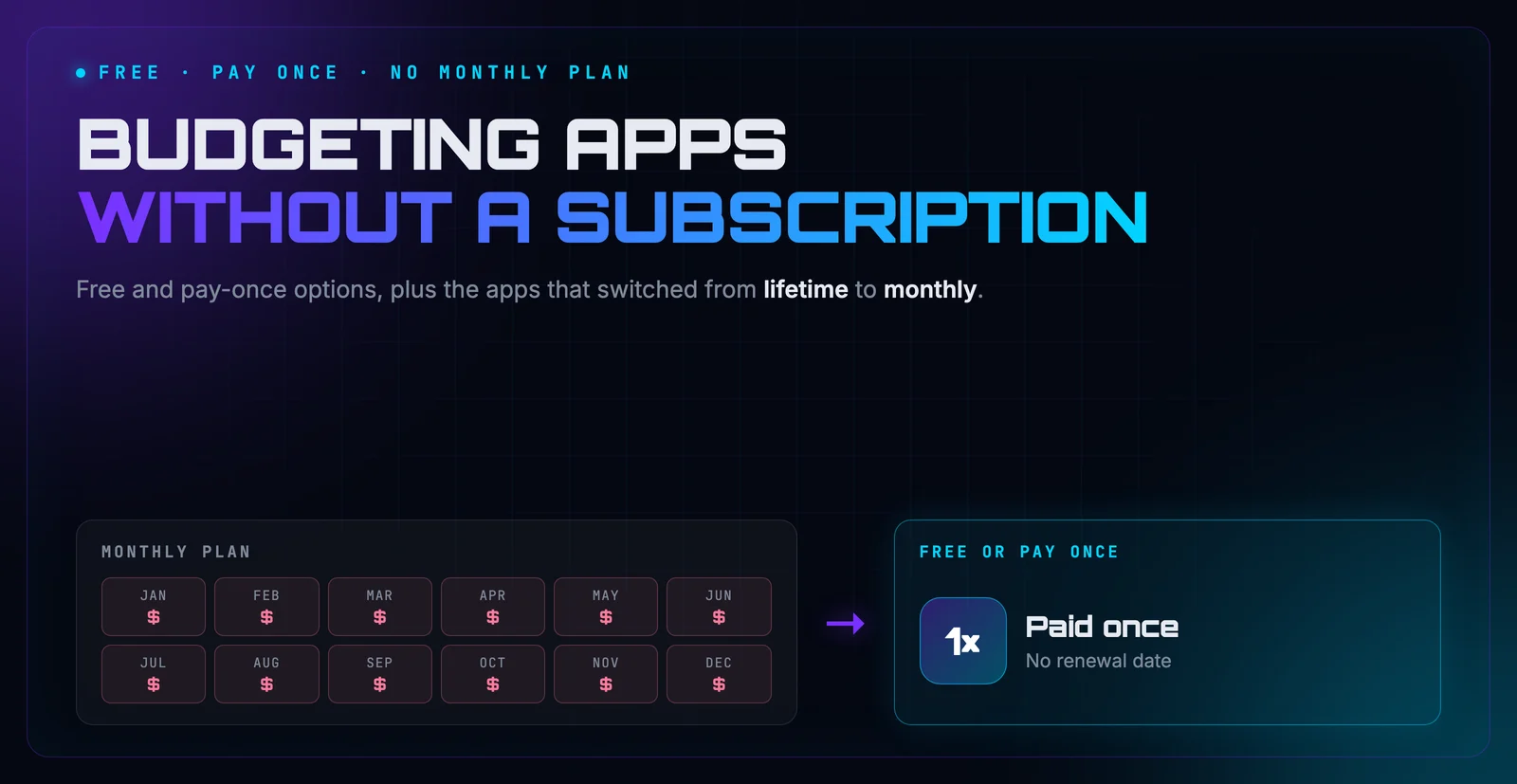
None of these is automatically the honest one. Pick the trade you’re most comfortable with. If you’d rather not pay monthly either, the budgeting apps without a subscription post covers the free and pay-once options in more depth.
Check the privacy label before you install
Ad-supported apps usually include code from advertising networks, and that code can collect identifiers that follow you across apps. You don’t have to guess what a given app does, because both stores make developers disclose it.
On an iPhone, scroll down an app’s App Store page to App Privacy. Pay attention to the “Data Used to Track You” category. On Android, the Google Play listing has a Data safety section that lists what’s collected and whether it’s shared. It takes a minute, and it tells you more than any marketing page will.
Where Hunter Vault fits
Hunter Vault has no ads on any tier. It’s a manual budgeting app with RPG-style progression: logging an expense earns XP and moves a quest forward, and paying down debt or reaching a savings goal raises your rank. Logging is instant, with no timers and nothing in the way.
Here’s how it’s paid for. Every budgeting feature is free with limits, and Hunter Elite removes them for a one-time $15.99. There are also two optional subscriptions: Hunter Pass for the AI features, and a cloud service for backup and multi-device sync. You can budget without any of them.
It’s not the right fit if you want automatic bank sync, a shared budget, or a web app. For a broader view of the free options, see the best free budgeting apps roundup.
App details checked October 2, 2026. Ad placements and pricing change often, so check each app’s current store listing.
Frequently Asked Questions
Which budgeting apps have no ads?
Paid apps like YNAB, Monarch Money, and Copilot don't show ads, because you pay for them directly. Among free options, Hunter Vault has no ads on any tier, and a spreadsheet has none. Empower is free without banner ads, but it promotes its paid wealth-management service.
Why do I still see ads after paying to remove them?
Usually the purchase didn't carry over. In-app purchases are tied to the Apple ID or Google account you bought them with, so on a new phone you need to tap Restore Purchases while signed into that same account. A purchase made on Android also won't unlock anything on an iPhone unless the app has its own account system that links them.
Are ad-supported budgeting apps a privacy risk?
Ad-supported apps usually include advertising code that can collect device identifiers and usage data. That isn't automatically dangerous, but you can see exactly what each app collects in the App Privacy section of its App Store page or the Data safety section on Google Play before you install it.
Why do free budgeting apps have ads at all?
Every app has to pay for itself somehow. The usual options are ads, a subscription, selling you a different product, or a free tier funded by paid upgrades. Ads are the only one where the cost is your attention instead of your money.
Is Hunter Vault ad-free?
Yes. Hunter Vault shows no ads on the free tier or with Elite. It's funded by the optional one-time Elite upgrade and two optional subscriptions: Hunter Pass for the AI features, and cloud backup and sync.