// vs Money Manager

A Money Manager alternative that's free —

with no ads, ever.

Money Manager by Realbyte is a powerful manual tracker, but the free app runs on ads — and users report ads continuing even after paying to remove them. It can also feel heavier than most people need. Hunter Vault keeps it simple and genuinely ad-free, with a gamified habit layer so tracking actually sticks.

  • Free, no ads
  • No account needed
  • Works offline
Hunter Vault expense tracking screen showing quests and XP progress
// the real problem

Paying to remove ads — then still seeing ads — isn't an upgrade.

Money Manager by Realbyte has earned its huge user base — a detailed, accounts-based tracker with solid charts and a long track record. For people who want accounting-grade structure, it delivers.

The friction shows up in two places. The free app is ad-supported, and reviewers report ads persisting after paying to remove them — or being asked to pay again on a new phone. And for many people, the double-entry, assets-and-accounts model is more than they need to simply see where their money goes.

Hunter Vault keeps the useful part — fast, private manual tracking — and strips the rest: no ads at all, a simpler model, and an RPG-style layer that turns logging into visible progress.

  • A money app shouldn't sell your attention back to you
  • A paid 'remove ads' should remove ads — on every device
  • Powerful is good; needlessly complex quietly ends the habit
  • The tool should make logging feel worth doing
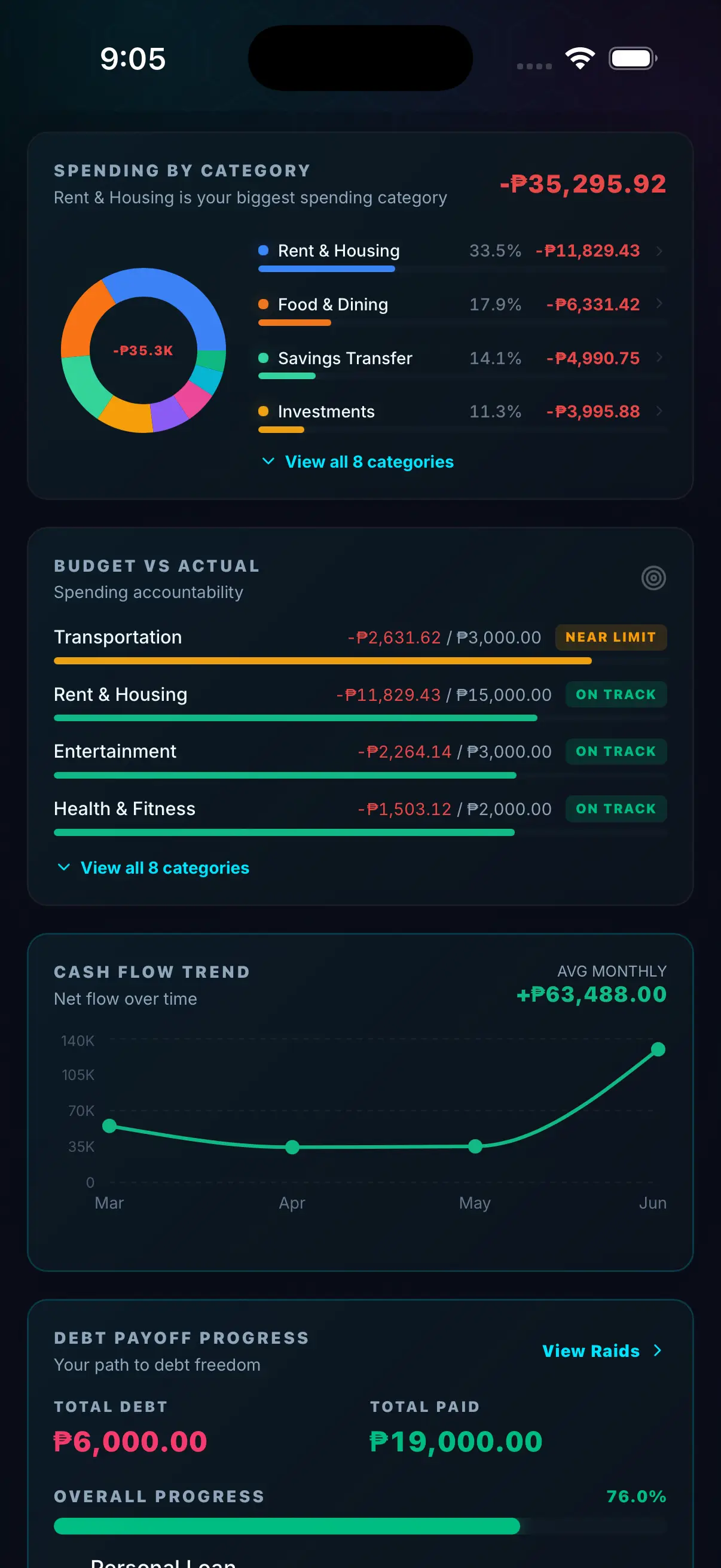
Hunter Vault spending-by-category chart
// two approaches

Two takes on manual tracking.

Both keep your data on your device with no bank linking. They differ on complexity, ads, and what keeps you logging.

Money Manager

A detailed ledger.

Money Manager leans into accounts, assets, and double-entry structure with rich charts and PC export. Great for people who want accounting-level detail — heavier for people who just want to track spending.

Hunter Vault

A motivation layer.

It covers the everyday ground — expenses, budgets, goals, bills, debt — ad-free and approachable, wrapped in RPG-style progress. Quests turn habits into small actions; XP and ranks make consistency feel rewarded.

// side by side

Feature comparison.

Checked October 2026. Money Manager (by Realbyte) pricing and features may change — see the app store listing for current details.

Money Manager Hunter Vault
Best for People who want detailed, accounts-based manual tracking People who want simple tracking with motivation
Core approach Double-entry accounts & assets with charts Gamified progress — habits as quests and XP
Pricing Free with ads; paid option to remove ads & add extras Free, no ads; Hunter Elite is a $15.99 one-time purchase
Ads Yes; users report ads persisting after paying None, ever
Bank linking No — manual entry No — manual entry, fully offline
Learning curve Steeper — accounts, assets, double-entry Light — start by logging one expense
Motivation built in No Quests, XP, ranks, streaks, optional leaderboard
Debt & goals Via accounts; not goal-focused Dedicated savings goals & debt tracking
Platforms iOS, Android, PC export iOS and Android
// honest take

Where Money Manager is honestly the better pick.

We'd rather you find the right tool than the wrong one.

Choose Money Manager if you want accounting-grade detail — multiple accounts and assets, double-entry structure, in-depth charts, and PC/Excel export for your own analysis. If you think in terms of a ledger and want that level of control, it's a mature, capable app and a fair pick.

Hunter Vault is deliberately simpler and doesn't offer double-entry or desktop export. If those are what you want, Money Manager is the better fit — no hard feelings.

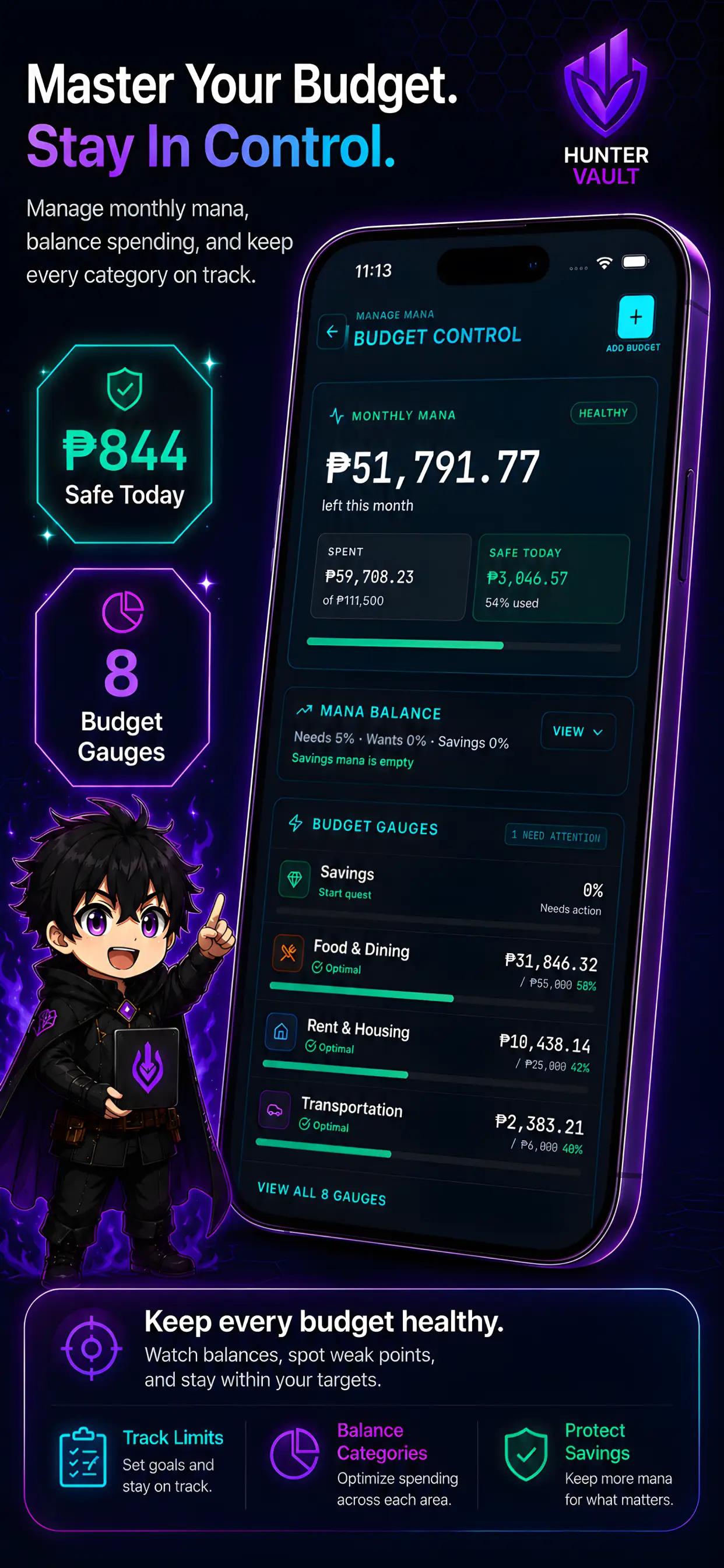
Hunter Vault budget overview screen
// where it fits

Simpler, ad-free, and built to keep you logging.

Here, logging an expense completes a quest. A week of tracking builds a streak. Paying down a debt clears a dungeon. Saving toward a goal fills a progress bar you can watch move. It's the same money work — it just finally feels like progress.

And because everything is stored on your device and works fully offline, you can start in about ten seconds without creating an account.

  • Want manual tracking without ads or a ledger to learn
  • Found accounting-style apps heavier than you needed
  • Want your data private and on your device
  • Would actually keep going if the app gave you a reason to
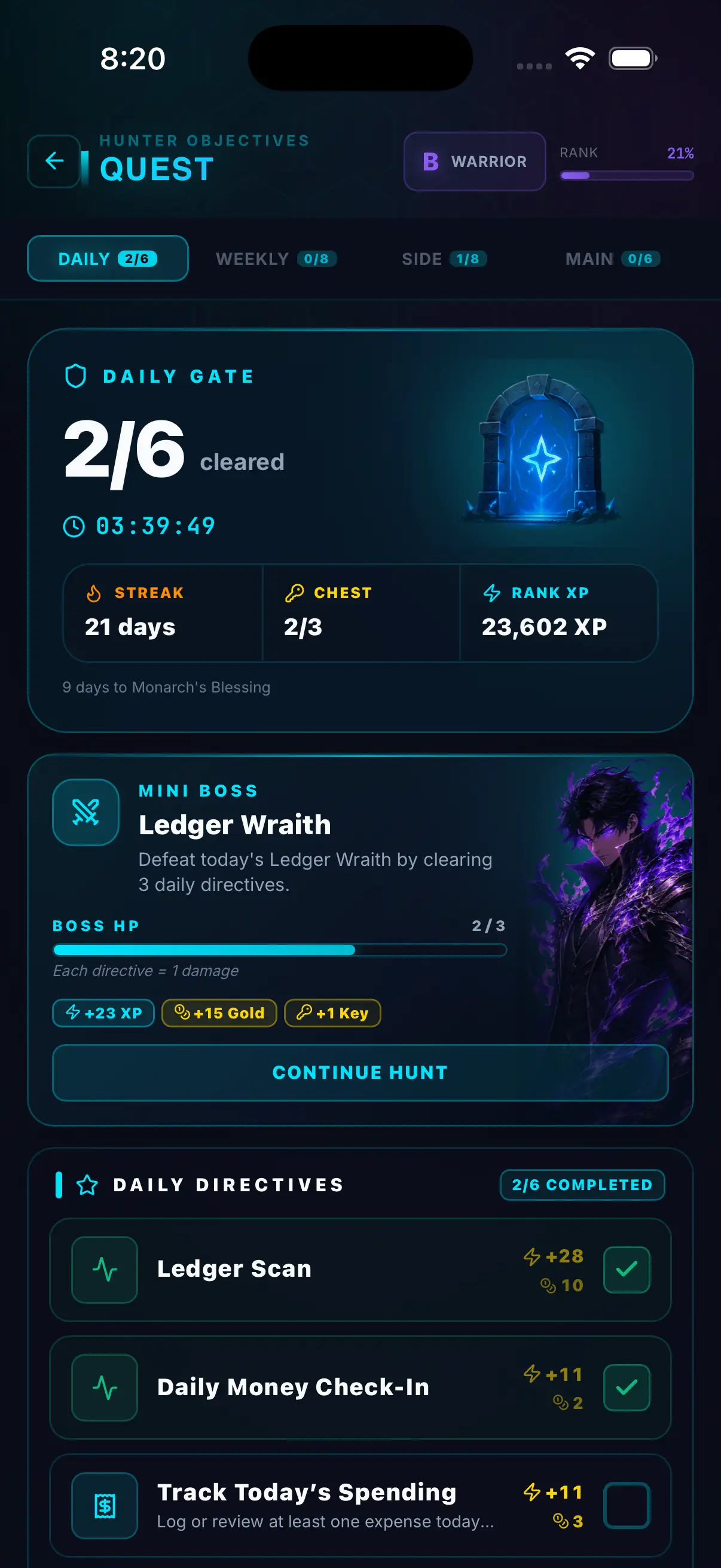
Hunter Vault quest progress screen showing completed daily habits
// private by default

Your data stays on your device.

Free with no ads

Runs fully offline

No sign-up needed

You log it; only you see it

// pricing

Free with no ads, vs paying to remove ads that come back.

Ads — and ads that return after you have paid to remove them — are a recurring Money Manager complaint. Hunter Vault is simply ad-free.

Money Manager
Free + paid

Ad-supported, with a paid remove-ads option

  • Free version shows ads
  • Paid option removes ads and adds extras
  • Detailed, accounts-based feature set
  • Users report ads persisting after paying, or re-charges on a new device
Hunter Vault
Free no ads

Hunter Elite: $15.99 one-time purchase

  • All features usable free — expenses, budgets, goals, debt, bills, quests, XP & ranks
  • Free limits: up to 5 accounts, 3 debts, 2 savings goals
  • Hunter Elite ($15.99 one-time) — removes all limits, unlocks themes & advanced reports
  • Optional cloud service (₱49/mo) — cloud backup + multi-device sync, separate from Elite
  • Ad-free always; Elite is pay-once, not per device
// questions

Frequently asked questions

Yes on both. Every budgeting feature in Hunter Vault is usable for free — expense tracking, budgets, savings goals, debt tracking, bills, quests, XP, and ranks — and there are no ads on any tier. The free tier has limits (up to 5 accounts, 3 debts, 2 savings goals); Hunter Elite is a one-time $15.99 purchase that removes those limits and unlocks themes and advanced reports.

No. Hunter Vault is ad-free whether or not you buy anything, so there is nothing to "remove." And the Hunter Elite upgrade is a one-time purchase tied to your app-store account — not a per-device charge — so you are not asked to pay again on a new phone.

No — on purpose. Money Manager (by Realbyte) uses an accounts-and-assets, double-entry style that some people love and others find heavier than they need. Hunter Vault keeps it approachable: accounts, budgets, goals, debt, and bills without the ledger complexity, plus a gamified layer to keep you logging.

No — and neither does Money Manager in most regions. Both are manual trackers you log yourself, and everything stays on your device. Hunter Vault adds optional cloud backup if you want multi-device sync.

Money Manager (by Realbyte) is free with ads, with a paid option to remove ads and unlock extras — see the app store listing for current pricing. Hunter Vault is free with no ads, and Hunter Elite removes the free-tier limits for a one-time $15.99 purchase.

// your first quest

Log your first expense.

Download Hunter Vault free on iOS and Android. No ads, no account, no subscription required — just you, your spending, and the XP waiting on the other side of that first log.

  • Free, no ads
  • No account needed
  • Works offline
See all features →
Hunter Vault expense tracking screen showing quest progress
// keep comparing

More Hunter Vault comparisons.

Hunter Vault is an independent app and is not affiliated with, endorsed by, or connected to Money Manager or Realbyte Inc. "Money Manager" is a trademark of its respective owner, referenced here only for honest comparison. This page refers to "Money Manager Expense & Budget" by Realbyte. Pricing and features described above were checked in October 2026 and may change — see the app store listing for current details. User-experience observations reflect publicly posted app-store reviews at that time.

This page is general educational and product information, not financial advice. Choose a budgeting method that fits your income, responsibilities, and situation.