- Privacy isn't a property of 'AI' — it's a property of how a specific app is built and what it accesses
- The most private assistants read only the data you entered, don't connect to your bank, and don't warehouse conversations
- Bank-connected assistants see more (a live account feed); your-data-only assistants see only what you enter
- Some server processing is normal for natural-language answers — what matters is what's sent and whether it's stored
- To judge one, ask: does it need a bank connection, what does it read, does it store chats, does it need my identity?
AI budgeting assistants are genuinely useful — they turn “where did my money go?” into an instant answer. But handing a chatbot access to your finances raises a fair question that the marketing rarely addresses head-on: is this actually private? What is it reading, and where does that data go?
The honest answer is that “AI assistant” tells you nothing about privacy on its own. Two assistants can work completely differently under the hood. This piece breaks down what these tools actually access, what leaves your device, and how to tell a private one from a data-hungry one.
The concern is widespread and well-founded. In a Harris Poll for the Financial Technology Association, more than two-thirds of users (68%) said they were uncomfortable with how much access financial apps have to their data, with roughly two-thirds specifically uneasy about sharing their bank username and password (Banking Dive, retrieved 2026-09-01). An AI assistant only deepens the question, because now something is actively reading your finances to answer you.
Privacy Is About the App, Not the AI
Let’s kill the biggest misconception first: privacy isn’t determined by whether something uses AI. It’s determined by how the specific app is built and what it’s allowed to access.
People sometimes assume “AI” means “sends everything to a giant server forever.” Others assume a friendly assistant must be safe because it’s helpful. Both are wrong. The same AI capability can be wrapped in an app that reads your entire bank feed and stores every conversation, or in one that reads only what you typed and forgets the chat when you close it.
So the useful question isn’t “is AI private?” It’s “what does this assistant access, and what does it do with it?” Everything below is how to answer that for any tool you’re considering.
What Data Does It Actually Read?
To answer questions about your money, an assistant has to read your financial data — transactions, budgets, debt, savings. There’s no way around that; it can’t tell you your biggest expense without seeing your expenses. The privacy difference is in where that data comes from.
Bank-connected assistants read a live feed of your account. Every transaction, automatically. This is convenient and comprehensive, but it means a third party holds standing access to your bank, and the assistant can see everything your account does — including things you might not have chosen to track.
Your-data-only assistants read just what you’ve entered into the app yourself. No bank feed. The assistant knows what you tracked and nothing more. You control its knowledge by controlling your input.
Huntee, the assistant in Hunter Vault, is the second kind — it reads only your entered data, with no bank connection at all. The assistant can only see what you chose to give it. Huntee itself is opt-in: it needs sign-in, uses Hunter Credits from the optional Hunter Pass, and sends your question plus the relevant budget data to Google’s Gemini to answer it.
The single most important privacy question for any AI finance assistant is whether it requires a bank connection. A bank feed is standing, comprehensive access; entered data is a limited, chosen set. If privacy is your priority, a no-bank-connection assistant starts from a fundamentally smaller footprint. The how-to is in using an AI finance app without connecting your bank.
What Leaves Your Device?
Here’s a nuance people miss: even a your-data-only assistant usually does some processing on a server, because generating a fluent natural-language answer often requires it. That’s normal, and it’s not the same as “sending everything everywhere.”
What matters is:
- What’s sent — ideally only what’s needed to answer the current question, not your whole financial history
- Whether it’s stored — a privacy-respecting assistant doesn’t retain your conversations longer than necessary
- Whether it’s tied to your identity — an assistant that doesn’t require an account linked to who you are leaks less by design
The distinction is between an assistant that momentarily processes a slice of your data to answer you, and one that continuously warehouses your entire financial life. Both might “use a server,” but they’re worlds apart on privacy.
The Uncomfortable Middle: Convenience vs. Exposure
It’s worth being honest that privacy and convenience trade off, and no tool escapes it entirely.
A bank-connected assistant is more convenient — it sees everything automatically, so its answers are comprehensive without you lifting a finger. The cost is exposure: standing access, more data, a bigger footprint.
A your-data-only assistant is more private — smaller footprint, no bank access, you control what it sees. The cost is effort: it only knows what you enter, so incomplete tracking means incomplete answers.
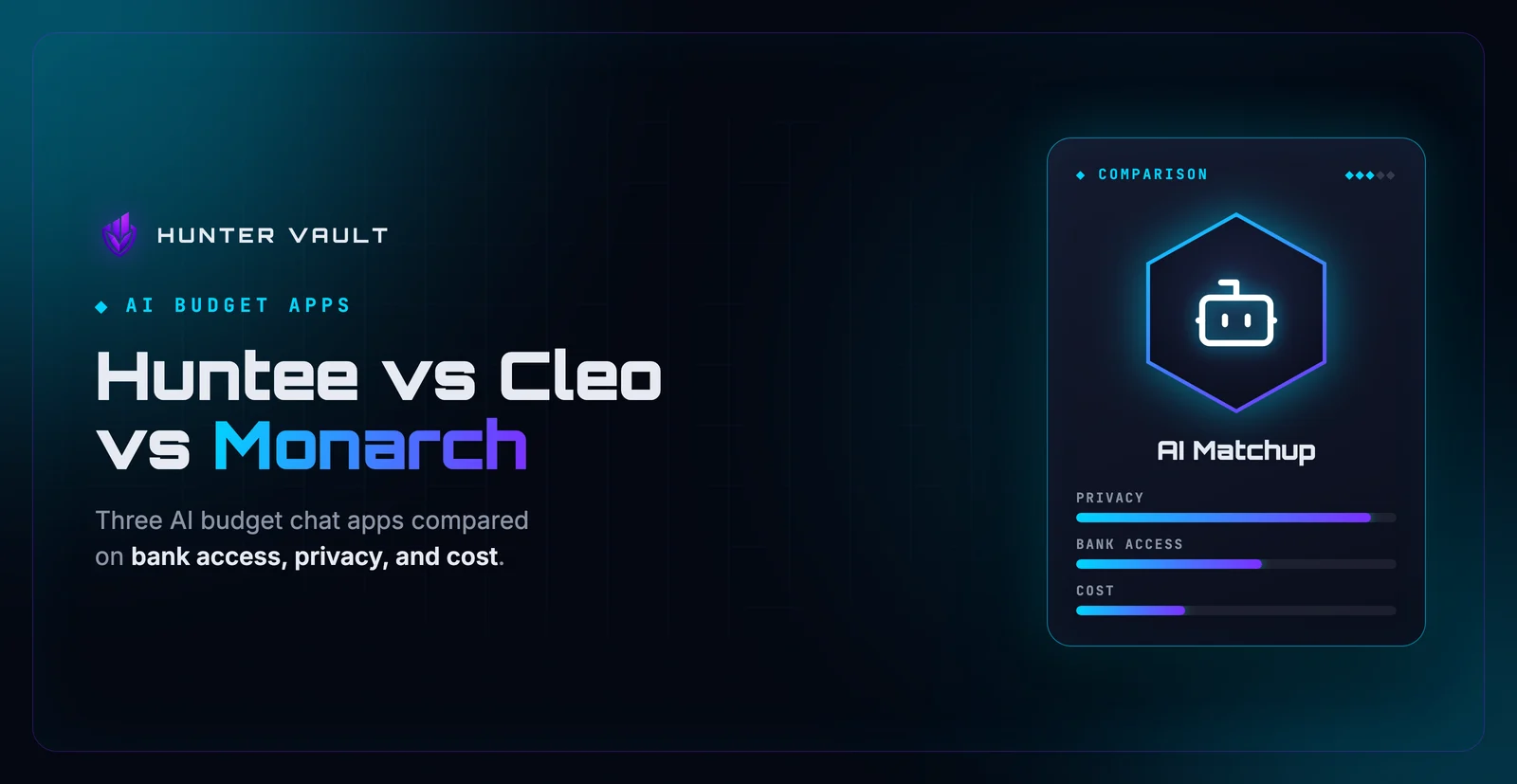
Neither is universally right. Someone who values comprehensive automation might accept the exposure; someone who values control accepts the effort. What matters is choosing deliberately instead of assuming your assistant works the way you’d prefer. This same tension shows up across the category — the comparison of AI budget assistants makes the differences concrete.
The most automated, comprehensive AI assistants are usually the most bank-connected — which means the most exposed. That’s not a reason to avoid them, but it is a reason to notice the trade you’re making. “It just knows everything” and “it has access to everything” are the same sentence.
How to Judge Any AI Budget Assistant
Run any assistant through these four questions before trusting it with your finances:
- Does it require a bank connection? No is more private. A your-data-only assistant has a smaller footprint by default.
- What data does it read? The narrower and more chosen, the better. Everything-automatically is more exposure than what-you-entered.
- Does it store your conversations? An assistant that doesn’t warehouse chats leaks less.
- Does it need your identity? An account tied to who you are is more linkable than one that isn’t.
An assistant that reads only your entered data, keeps it on-device where possible, doesn’t retain conversations, and doesn’t demand your identity is the more private choice. One that connects to your bank, pulls everything, stores chats, and ties it all to a profile is the more exposed one — even if it’s more convenient.
Why “Your Data Only” Is a Real Category, Not Marketing
It’s easy to be cynical about privacy claims, so here’s the concrete distinction that makes “your data only” meaningful rather than a slogan.
A your-data-only assistant cannot see transactions you didn’t enter, because there’s no bank feed to pull them from. That’s not a promise to behave — it’s a structural limit. The assistant is blind to anything you didn’t give it, by design. You could stop tracking a category tomorrow and the assistant would simply not know about it.
That structural boundary is the appeal. With a bank-connected tool, privacy depends on the company’s policies and behavior. With a your-data-only tool, privacy is partly enforced by architecture: it can’t reveal what it was never able to access. For people who’d rather trust a boundary than a policy, that’s the whole point.
This is general educational content about data practices, not financial or security advice. Privacy implementations vary by app and change over time — always read a tool’s current privacy information before relying on it. If you’re unsure, prefer assistants that read only the data you enter.
Final Takeaway
An AI budget assistant can be private or not — and the word “AI” tells you nothing about which. Privacy comes down to whether it connects to your bank, what data it reads, whether it stores your conversations, and whether it needs your identity. The most private assistants read only what you enter, keep a small footprint, and can’t reveal data they were never given.
Before you trust one, run it through the four questions. If keeping your financial life to yourself matters, a your-data-only assistant like Huntee starts from the right place: it only knows what you chose to tell it, though it does need sign-in and sends your question plus relevant budget data to Google’s Gemini. For the full walkthrough of using AI this way, see how to use an AI finance app without connecting your bank.
Frequently Asked Questions
Is an AI budget assistant private?
It depends on the app. The most private AI assistants read only the data you entered yourself, don’t connect to your bank, and don’t store conversations unnecessarily. Others link to your bank feed, which means more data and more standing access. Privacy isn’t a property of “AI” — it’s a property of how a specific app is built and what it accesses.
What data does an AI budgeting assistant use?
To answer questions about your money, it reads your financial data: transactions, budgets, debt, and savings. A bank-connected assistant reads a live feed of your account. A your-data-only assistant reads just what you’ve entered into the app. The question to ask any assistant is which of these it does, because it determines how much of your financial life it can see.
Does an AI finance assistant send my data to a server?
Usually some processing happens on a server, because generating a natural-language answer often requires it. What matters is what’s sent and whether it’s stored. A privacy-respecting assistant sends only what’s needed to answer, doesn’t retain conversations longer than necessary, and never requires your bank login. Check the app’s privacy details for specifics.
Is a no-bank-connection AI assistant more private?
Generally yes. An assistant that reads only the data you entered — with no bank feed — has a smaller footprint by design. There’s no standing access to your account and no automatic pull of everything you do. You control what it can see by controlling what you enter, which is the core appeal of your-data-only tools.
How do I choose a private AI budget assistant?
Check four things: whether it requires a bank connection (no is more private), what data it reads, whether it stores your conversations, and whether it needs an account tied to your identity. An assistant that reads only your entered data, keeps it on-device where possible, and doesn’t warehouse chats is the more private choice.