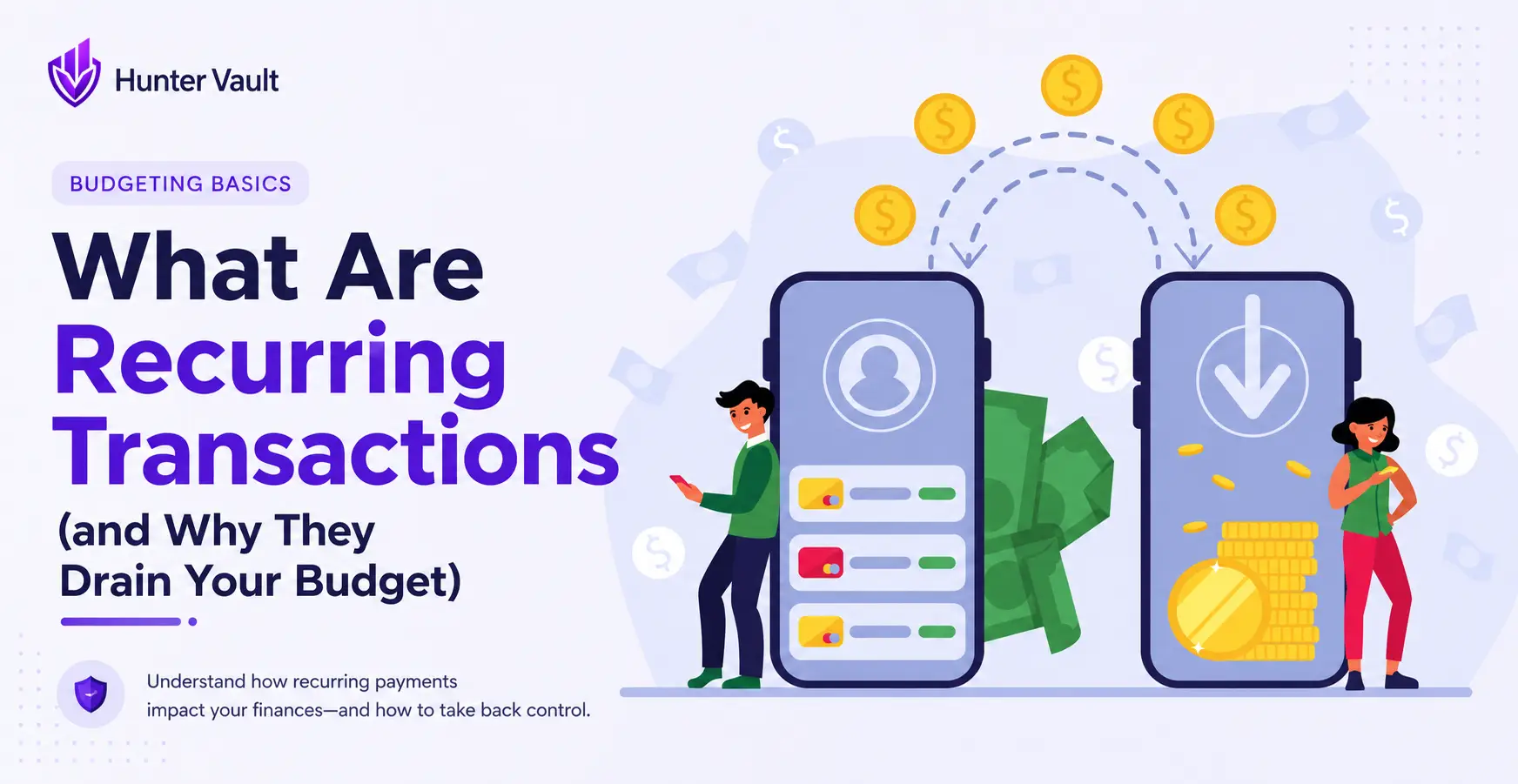
- Recurring transactions are charges that repeat automatically — rent, subscriptions, insurance, loan payments
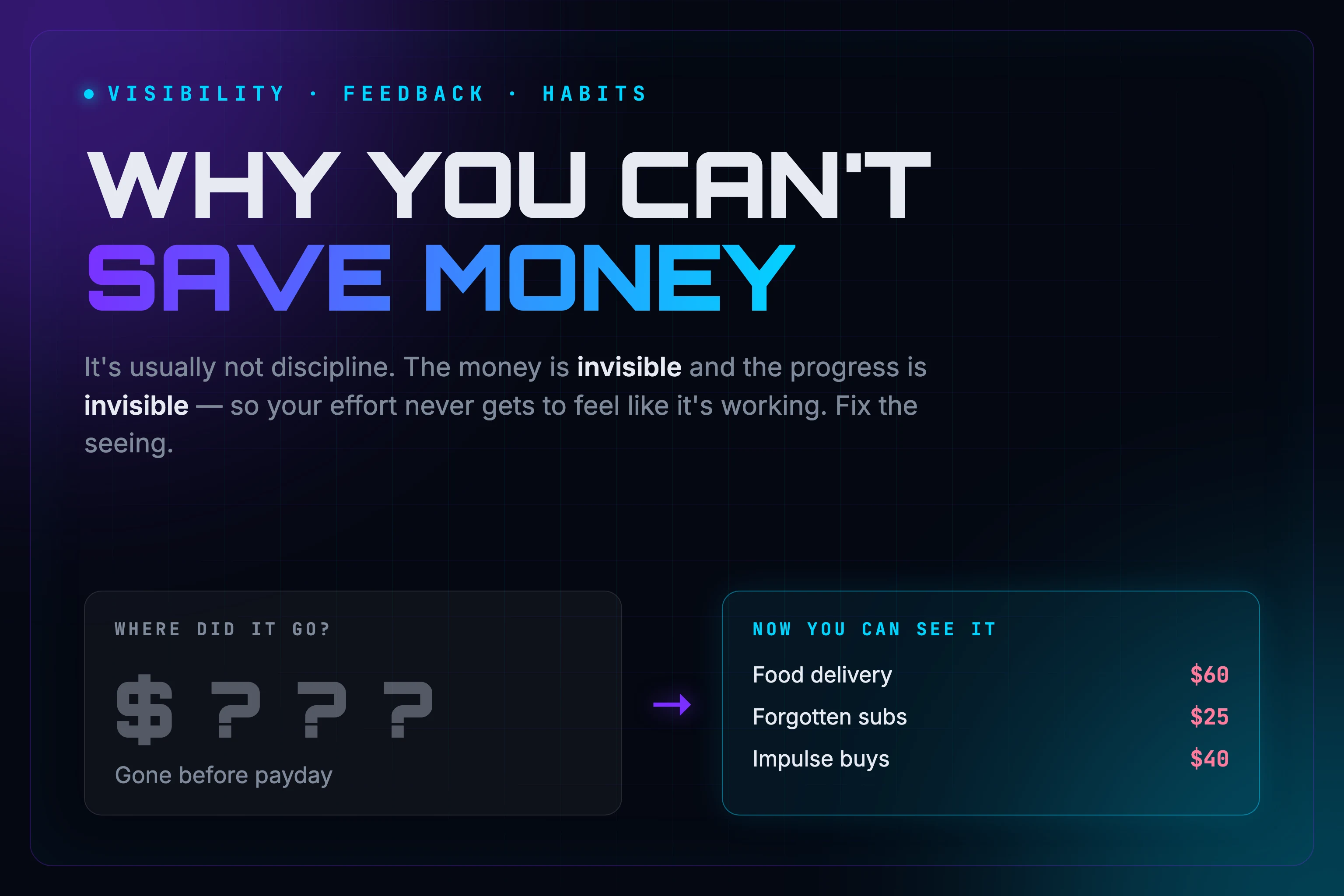
- They're the hardest spending to notice because there's no decision moment each time they hit
- Annual renewals and trial-to-paid conversions are the sneakiest — they hide for months
- Every recurring charge is money already committed before you plan a cent of flexible spending
- Start with one action: list every charge that repeats, then decide what's worth keeping
You can earn the same paycheck every month and still end up short before the next one — without buying anything big.
Usually that’s not one reckless purchase. It’s the money that leaves on autopilot: the charges you set up once, months ago, and stopped thinking about.
Those are recurring transactions. This guide explains what counts, why they’re the easiest spending to lose track of, and how to get them back in view.
Quick Answer: What Is a Recurring Transaction?
A recurring transaction is any payment that repeats on a schedule — weekly, monthly, or yearly — instead of being a one-time purchase. Rent, phone plans, insurance, loan payments, streaming services, and app subscriptions are all recurring transactions. They matter because they’re money you’ve already committed before the month even starts, which means they quietly shrink what you actually have left to spend.
If you’ve seen “recurring transactions” as a label inside a banking or budgeting app, it means the same thing: a payment the app expects to repeat on a set schedule.
Why Recurring Charges Are the Hardest Spending to See
Most spending involves a decision. You see the price, you choose, you pay. Recurring charges skip that step. You decided once — sometimes a year ago — and now the money moves without asking.
That’s the trap. A one-time purchase feels like spending. A recurring charge feels like nothing, because there’s no moment where you notice it leaving.
Over a month, a handful of small repeating charges can add up to more than the big purchase you actually agonized over. That’s why tracking your expenses often surfaces more surprises in the recurring column than anywhere else.
The Main Types of Recurring Transactions
Not all recurring charges are the same, and you treat each kind differently.
- Fixed necessities. Rent or mortgage, insurance, loan and credit card minimums, your phone plan. Predictable, mostly non-negotiable in the short term.
- Discretionary subscriptions. Streaming, music, gaming passes, cloud storage, apps, memberships, delivery-service plans. These are the most cuttable, and usually where the surprises hide.
- Variable recurring charges. Bills that repeat on schedule but change in size — electricity, water, or usage-based charges. Recurring in timing, unpredictable in amount.
Here’s what that looks like sorted out:
| Recurring charge | Type | Roughly how often |
|---|---|---|
| Rent or mortgage | Fixed necessity | Monthly |
| Phone plan | Fixed necessity | Monthly |
| Car or renters insurance | Fixed necessity | Monthly or yearly |
| Streaming service | Discretionary | Monthly |
| Cloud storage | Discretionary | Monthly or yearly |
| Electricity | Variable recurring | Monthly, amount changes |
Seeing them lined up like this is usually the moment it clicks: most of the list isn’t dramatic — it’s just been invisible.
The Two Sneaky Ones
Two kinds of recurring charge cause the most damage, because they hide even better than the rest.
Annual renewals. You pay once a year, so for eleven months it’s invisible — then it lands as a lump you half-forgot agreeing to. Domain names, some app subscriptions, memberships, and insurance often work this way.
Trial-to-paid conversions. A free trial is just a recurring charge with a delayed start. The plan is always “I’ll cancel before it bills.” Sometimes you do. Often the reminder never comes, and the first charge is the reminder.
How Recurring Charges Eat Your Safe-to-Spend
Here’s the part that actually affects your budget. The money you can safely spend this month isn’t your income. It’s what’s left after the money that already has a job.
Every recurring charge is money with a job. If you plan your spending off your paycheck and forget the repeating charges, you’ll feel broke and not know why. The gap between what you think you have and what’s actually free to spend is usually sitting in charges you stopped noticing — which is exactly what your safe-to-spend number is meant to reflect.
How to Get Your Recurring Charges Back in View
You don’t need software to start. You need a list.
Write down every charge that repeats — necessity or not. Next to each, note how often it hits (monthly, yearly) and whether it’s a need or an optional extra. That single list usually surprises people more than any budgeting advice, because it’s the first time the invisible spending is visible.
Once you can see them, you can decide what to keep. That deeper step — deciding what to cancel, pause, or downgrade — is a full process on its own, and it’s worth doing properly. A subscription audit walks through it.
Where Hunter Vault Fits
You can track recurring charges in a note or a spreadsheet. If you’d rather not maintain one, this is one place a tool helps.
In Hunter Vault, you can add your known recurring bills so upcoming charges stay in view instead of catching you off guard. Your Spending Mix shows what share of your income is already committed before you plan a cent of flexible spending, and your safe-to-spend number updates to reflect what’s actually free after the committed money is accounted for. Everything is entered by you — there’s no bank account to link, so you stay in control of what gets tracked.
The point isn’t to shame the spending. It’s to see it, so “where did my money go” turns into “here’s exactly where it went.”
Final Takeaway
Recurring transactions aren’t the enemy. Plenty of them are worth every cent. The problem is only that they’re easy to forget — and forgotten money is the money that makes you feel short.
Start with one small action: list every charge that repeats. Once you can see them, you get to decide which ones are worth keeping.
If you’d rather not track it all by hand, try Hunter Vault and keep your recurring charges visible month to month.
This is general educational content, not financial advice. Choose an approach that fits your income, responsibilities, and situation.
FAQ
What’s the difference between a recurring and a one-time transaction?
A one-time transaction happens once — a single purchase you won’t be charged for again. A recurring transaction repeats automatically on a schedule until you cancel it. The key difference for budgeting is that recurring charges keep taking money whether or not you think about them.
Are subscriptions recurring transactions?
Yes. Subscriptions are one of the most common recurring transactions — streaming, music, cloud storage, gaming passes, and app memberships all bill on a repeating schedule. Because the amounts are usually small, they’re also the easiest to lose track of.
How do I find all my recurring charges?
Check recent bank and card statements for repeating names, look at the subscriptions section in your phone’s app store, and search your email for words like “receipt,” “your payment,” or “renewal.” Annual charges are easy to miss, so look back at least twelve months.
How do I stop a recurring charge?
First find where it’s billing from. Charges through an app store are cancelled in that store’s subscription settings; charges billed directly by a company are cancelled through that service’s account page. Cancelling stops future charges but usually lets you keep access until the current period ends. For a charge you don’t recognise at all, contact your bank or card provider.
Do recurring charges really hurt my budget?
They don’t have to, but unnoticed ones do. When you plan spending off your income and forget your repeating charges, you overestimate what’s actually free to spend. Seeing them clearly is what turns them from a leak into a planned part of your budget.